
How to Make a Cardboard Cutout Stand Up?
Posted by Bruce on Jun 12th 2026
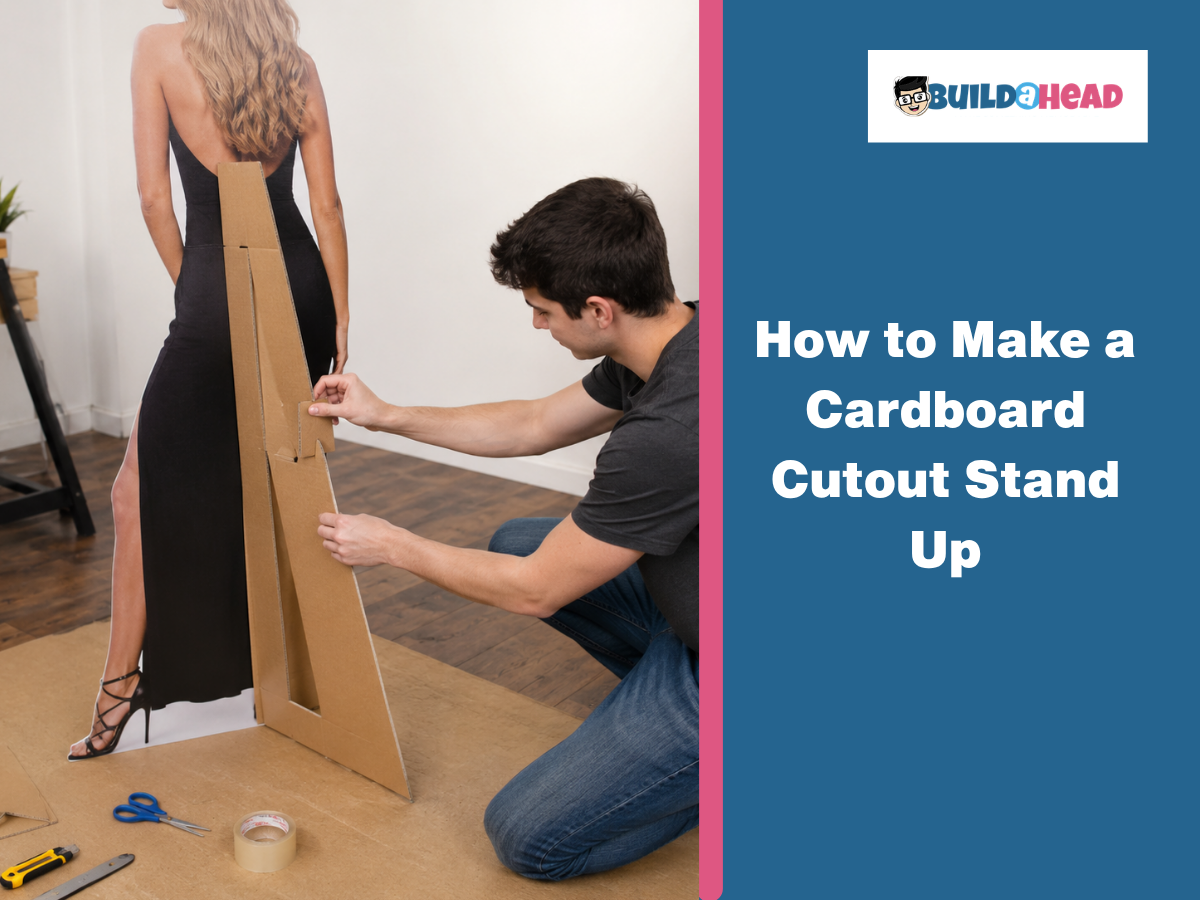
To make a cardboard cutout stand-up, choose and prepare a high-resolution image, print and trim it, mount it onto cardboard or foam board, cut out the figure, build a support stand, and attach a rear easel or brace to keep it upright. Begin by gathering the necessary materials, including a cardboard sheet or foam board, a high-resolution printed image, spray adhesive, tape, and tools such as a utility knife, a cutting mat, a ruler, and a scoring tool.
Use an image with a resolution of at least 300 DPI, scale it to the desired size, and print it as either a large-format poster or tiled sheets. Once printed, trim the image carefully, mount it to the backing board, and smooth out any wrinkles or air bubbles before cutting through both layers with a sharp blade to create clean, precise edges. To keep the standee upright, attach a triangular easel or L-shaped brace to the center back of the cutout. For the best stability, the support should measure approximately 75% to 85% of the standee's height and be secured with heavy-duty tape or strong adhesive.
Below are the steps to make a cardboard cutout stand-up:
- Step 1: Choose and Prepare Your Image
- Step 2: Print and Trim Your Image
- Step 3: Mount the Image onto Cardboard
- Step 4: Cut Out the Cardboard Figure
- Step 5: Make the Stand
- Step 6: Make the Standup Stand Up
What Materials and Tools Do You Need to Make a Cardboard Stand Up?
Materials required to make a cardboard stand-up (DIY) include heavy-duty cardboard sheets, a high-resolution printed image, spray adhesive, and duct tape, for tools, you need a utility knife, a cutting mat, a metal ruler, and a built-in folding stand (easel). These supplies work together to print the image, mount it on a flat backing, cleanly cut the cardboard figure, and create a sturdy rear support that keeps the cardboard cutout upright.
Materials needed to make a cardboard stand-up are:
- Cardboard Sheet or Foam Board: Thick corrugated cardboard or sturdy 1/4-inch foam board provides the structural backing to prevent bending or folding.
- High-Resolution Printed Image: A large, clear photo or poster that forms the visible portion without pixelation.
- Adhesive: Spray adhesive (such as 3M Multi-Purpose), glue sticks, or repositionable adhesive to bond the print to the backing; spray provides the smoothest finish.
- Tape: Heavy-duty duct tape, packing tape, or masking tape to reinforce seams, support pieces, and connection points.
- Cardboard Easel or Stand Support: A fold-out easel, triangular brace, or extra cardboard/wooden dowels attached to the back for stability.
Tools needed to make a cardboard stand-up are:
- Utility Knife or X-Acto Knife: A sharp blade for cleanly cutting through cardboard and foam board with smooth edges.
- Self-Healing Cutting Mat: Protects the work surface and improves cutting precision.
- Metal Ruler or Straightedge: Used to measure dimensions, guide straight cuts, and maintain alignment.
- Scoring Tool: A bone folder or blunt edge to create clean fold lines for easels and braces without tearing the material.
- Hot Glue Gun or Wood Glue: Secures support braces, easels, and reinforcement pieces firmly to the back.
- Scissors: Trim printed sheets, remove excess paper, and handle quick layout adjustments.
What Are the Steps to Make a Cardboard Stand Up?
To make a cardboard stand-up, choose a high-resolution image, print and trim it, mount it onto cardboard or foam board, cut out the shape, create a support stand, and attach an easel to the back for stability. This process works for both tabletop displays and life-size cardboard cutouts used for events, birthday parties, weddings, and promotional displays.
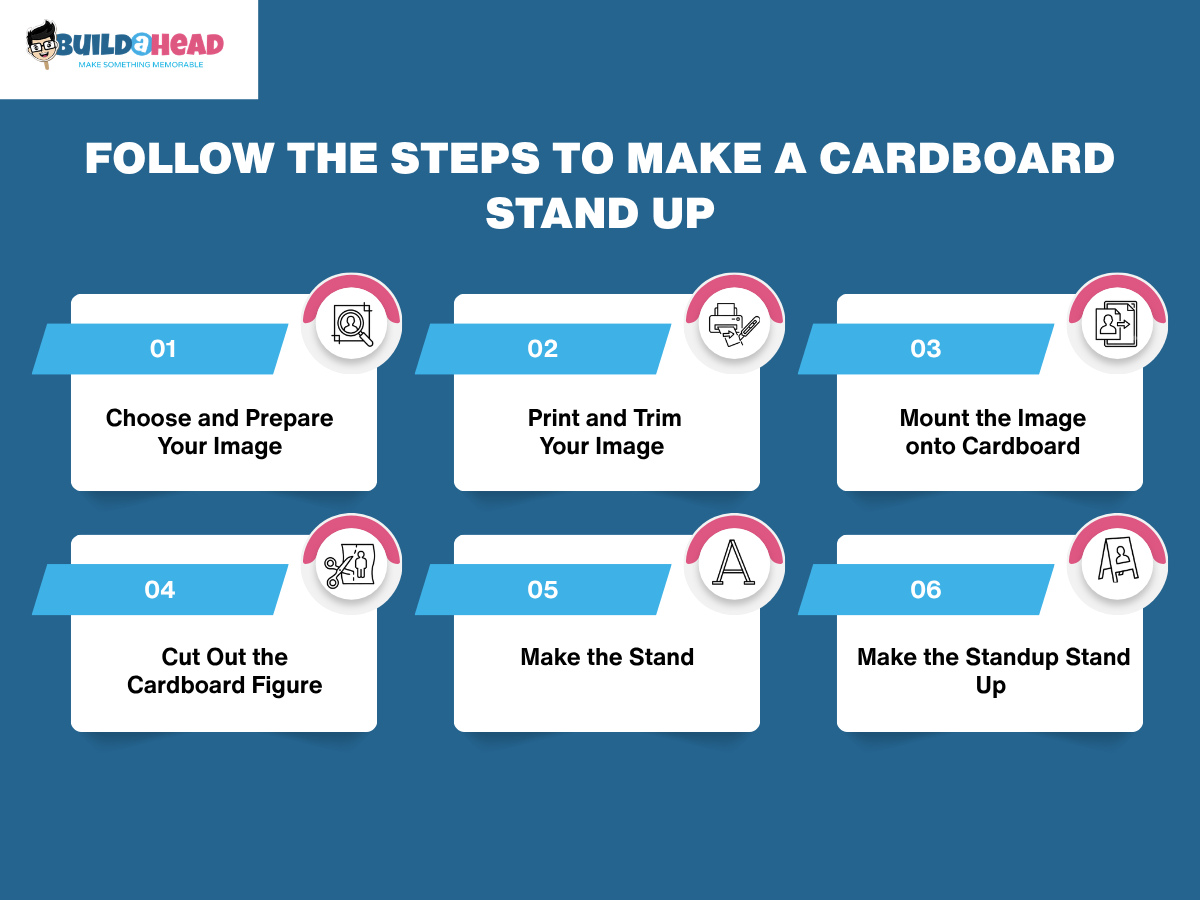
Follow the steps below to make a cardboard stand-up:
Step 1 - Choose and Prepare Your Image
Start with a high-resolution, full-body image (at least 300 DPI or 1800x1800 pixels) that is vertically oriented and photographed against a clean background. Crop unnecessary background elements and adjust the image if needed. For this, use software such as Rasterbator, Posterizer, or SmillaEnlarger to scale the image to the desired standee size. Save the finished file in a print-ready format, such as PDF or high-quality JPEG, before moving to the next step.
Step 2 - Print and Trim Your Image
Next, print your image as a large-format poster or across multiple tiled sheets. Large-format printing works best for life-size cardboard cutouts, while tiled sheets are suitable for home printers. After printing, trim around the subject using scissors or a utility knife, following the outline as closely as possible. Pay extra attention to detailed areas such as hair, hands, and accessories for a cleaner finish. Once trimmed, gather your backing board, support material, adhesive, tape, and cutting tools for the next step.
Step 3 - Mount the Image onto Cardboard
Lay your trimmed print face up over a sheet of corrugated cardboard or foam core backing that is slightly larger than the graphic. Apply your chosen adhesive, such as double-sided photo tape, glue dots, or a layer of repositionable spray adhesive, evenly across the surface. Press the image onto the backing board, starting firmly at one edge, and smooth it down gradually with your hand or a clean cloth to release trapped air and eliminate wrinkles. If you notice any air bubbles forming during this process, gently lift that section of the paper and reapply it.
Step 4 - Cut Out the Cardboard Figure
Place your mounted panel flat on a stable surface and use a sharp utility knife or box cutter to slice entirely through the paper print and cardboard backing simultaneously along your traced outline. Apply steady, uniform downward pressure and work slowly, rotating the entire board as needed to safely navigate tight curves and maintain clean, precise edges. If your finished display is intended for outdoor setups, is exceptionally tall, or uses heavy media, prepare to reinforce its structural spine with a wooden dowel or an extra layer of cardboard, and plan to add stabilizing weights to the bottom edge.
Step 5 - Make the Stand
Cut a piece of spare cardboard or foam board to serve as your primary triangle or L-bracket stand, making sure its length is exactly three-quarters (75%) of your cardboard cutout's total height. For example, if your cardboard cutout is 60 inches tall, the support should be around 45 inches. Use a scoring tool or a blunt edge to press a clean fold line along the length of the brace so it bends smoothly without tearing the backing paper. Cut the bottom edge of this support strip at a slight 5-degree angle to shift the center of gravity, and affix the flap vertically at the exact center back of your cutout with wide, heavy-duty duct tape, pressed firmly in place.
Step 6 - Make the Standup Stand Up
Construct your main easel brace by cutting a large triangle or giant boot shape from cardboard, adjusting its overall height to be between 75% and 85% of the main cutout's height. Leave a 2- to 4-inch flap at the top of this easel piece, fold it over to create a functional hinge, and secure it tightly to the upper center-back of the cutout with strong glue or heavy-duty tape. Trim the bottom edge of the easel at a 5- to 10-degree angle so it sits completely flat on the floor, lock it in place by securing its lowest edge to the base of the cutout, and test the balance on a flat surface, adding secondary horizontal braces or extra tape if the structure wobbles or leans.
Should You Make a Cardboard Stand Up Yourself or Buy One?
You should make a cardboard stand-up yourself if you want more creative control, a lower budget, or a custom shape, while buying is a better choice if you want a professional finish, faster turnaround, and a ready-to-display product. Ordering a custom cardboard stand-up also offers complete flexibility in customization, allowing you to choose the size, design, shape, finish, and printing options, while benefiting from expert production and durable materials.
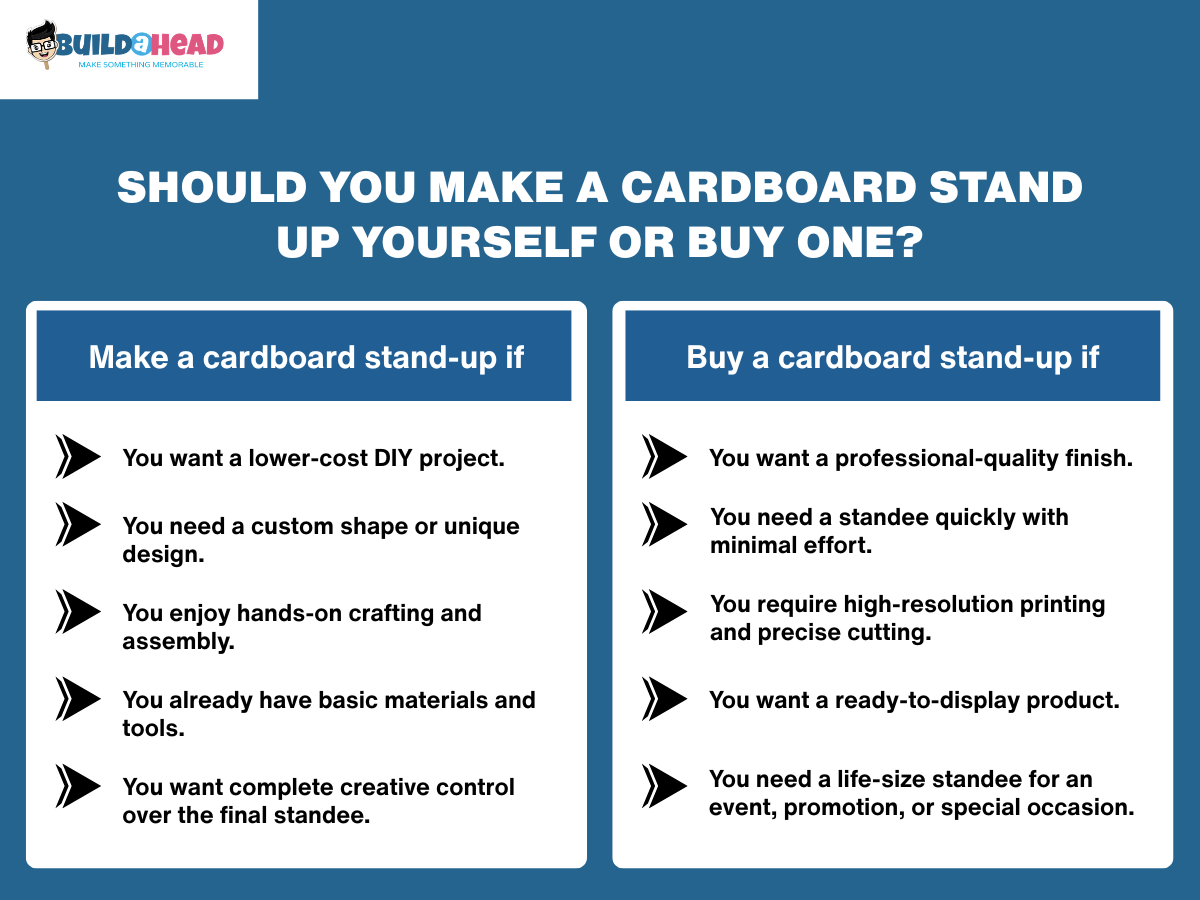
Make a cardboard stand-up if:
- You want a lower-cost DIY project.
- You need a custom shape or unique design.
- You enjoy hands-on crafting and assembly.
- You already have basic materials and tools.
- You want complete creative control over the final standee.
Buy a cardboard stand-up if:
- You want a professional-quality finish.
- You need a standee quickly with minimal effort.
- You require high-resolution printing and precise cutting.
- You want a ready-to-display product.
- You need a life-size standee for an event, promotion, or special occasion.
What Are Common Mistakes to Avoid When Making a Cardboard Stand Up?
Common mistakes to avoid when making a cardboard stand-up include using a low-resolution image, choosing the wrong cardboard thickness, cutting too quickly, building an unstable stand, and skipping lamination. Avoiding these issues can improve the appearance, stability, and durability of your finished cardboard standee.
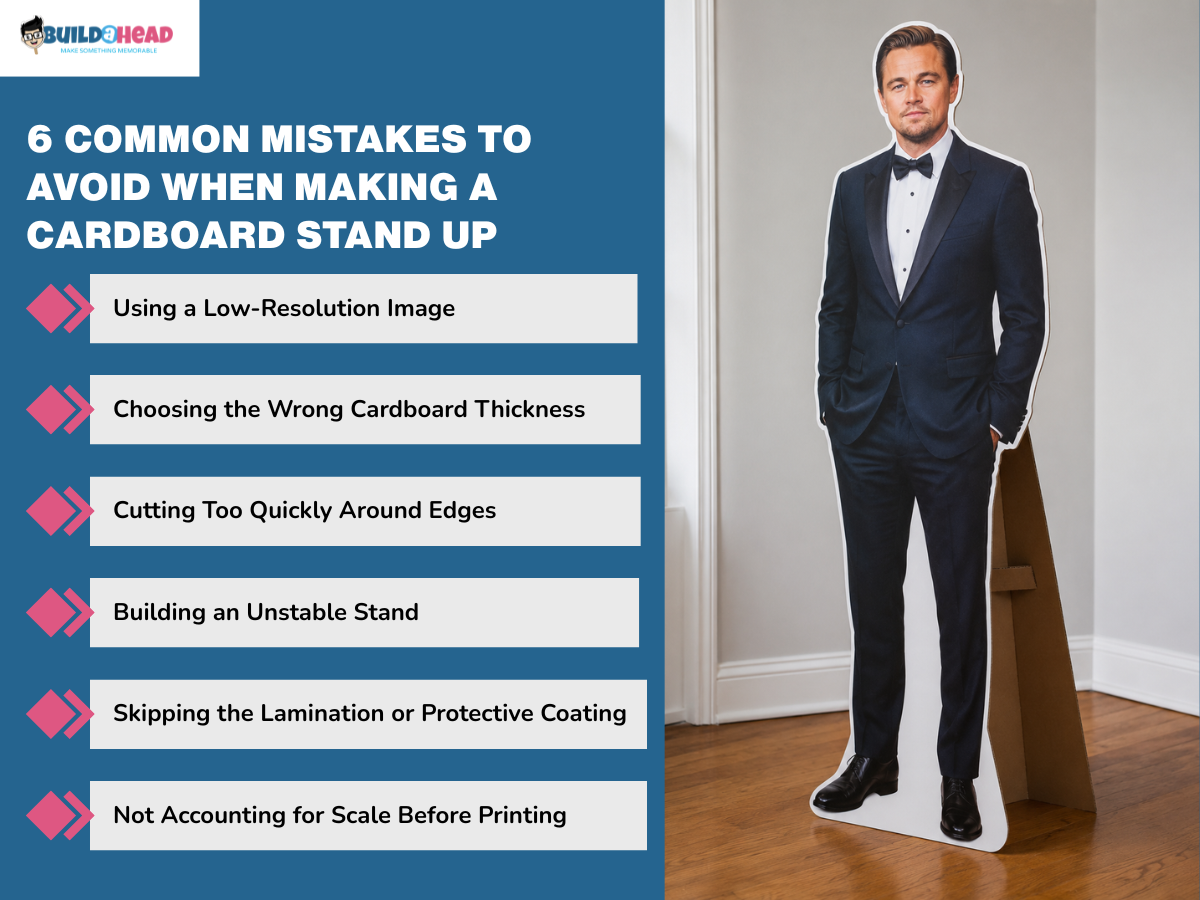
6 common mistakes to avoid when making a cardboard stand-up are:
- Using a Low-Resolution Image
- Choosing the Wrong Cardboard Thickness
- Cutting Too Quickly Around Edges
- Building an Unstable Stand
- Skipping the Lamination or Protective Coating
- Not Accounting for Scale Before Printing
Using a Low-Resolution Image
Enlarging a low-resolution image, such as a standard 4x6-inch photo, can make a cardboard cutout appear blurry or pixelated at life size. For the best results, use a clear image with a print quality of at least 300 DPI. If the original file lacks detail, improve its quality with tools such as Upscayl or Let’s Enhance before printing. When using a tiled printing method, align and overlap the printed sheets carefully during assembly to avoid visible seams and maintain a clean, professional appearance.
Choosing the Wrong Cardboard Thickness
Using thin or flimsy cardboard can cause a standee to bend, bow, or collapse under its own weight. To improve stability, reinforce the backing with crosshatch layering, box-frame ribbing, a vertical dowel spine, or edge stiffening. Crosshatch layering uses two cardboard layers with the grain running in opposite directions, while box-frame ribbing adds support strips to the back. A dowel spine provides central reinforcement for tall cutouts, and edge stiffening with wood glue or resin helps reduce flexing and improve overall rigidity.
Cutting Too Quickly Around Edges
Rushing the cutting process can create jagged edges, torn cardboard fibers, and an uneven silhouette. To maintain absolute precision, execute slow, controlled passes using a razor-sharp utility knife or a fresh X-Acto blade over a self-healing cutting mat. Once the figure is cut, clean up any rough edges with fine-grit sandpaper and seal the exposed borders with a thin layer of glue or protective tape to prevent fraying. Conclude this phase by constructing a basic rear easel support from an L-shaped cardboard strip or a right-angled triangle sized to roughly half the cutout's total height.
Building an Unstable Stand
Weak rear support can cause the cardboard cutout to wobble, lean, or collapse. Build a triangular easel or L-shaped brace from rigid cardboard or foam core, then score one edge to create an attachment flap. Secure the brace to the center back of the standee using spray adhesive, wood glue, or heavy-duty tape. For top-heavy or outdoor displays, use a wider base to improve balance and stability.
Skipping the Lamination or Protective Coating
Leaving a cardboard standee unsealed can expose it to moisture, humidity, and wear, causing the printed surface to peel, bubble, or warp over time. If lamination is unavailable, reinforce the back with a vertical support spine made of wooden dowels, bamboo skewers, or stiff cardboard strips. Another option is a tri-fold easel, which uses three connected cardboard panels to create a wider, self-supporting base that improves stability and weight distribution.
Not Accounting for Scale Before Printing
Printing at the wrong scale can create a standee that is difficult to support or too large for the display area. Before printing, confirm the final dimensions and ensure the image resolution is suitable for enlargement. When assembling multiple printed sheets, align them carefully and allow the adhesives to dry before cutting. Match the support method to the standee's size, using a triangle easel for large displays, a heavy-duty backing for oversized cutouts, or a cross-shaped base for tabletop versions.
Tips for a Better DIY Cardboard Standup
To build a better DIY cardboard standup, use a cutting mat for better accuracy, score curves before cutting, double-layer cardboard, and add lamination for outdoor or repeated use. These simple techniques can improve the appearance, stability, and lifespan of your finished standee.
Here are the tips to make a better DIY cardboard standup:
- Use a Cutting Mat: Protect your underlying floors or work surfaces from blade damage while optimizing your cutting precision and extending the life of your utility blades.
- Score Curves Before Cutting: Use a bone folder or the blunt edge of a utility knife to press light guide paths along complex contours before executing full cuts to prevent jagged edges or torn cardboard fibers.
- Double-Layer Cardboard: Laminate a secondary sheet of corrugated board to the rear of your display to increase rigidity and prevent tall or life-size standups from twisting or bowing under their own weight.
- Add Lamination or Clear Spray: Apply a protective coating or laminating film over the printed image to safeguard the graphic from moisture, humidity, and physical scuffs during outdoor or repeated use.